While making a recording using iPad’s built-in microphone will “do the job”, you can improve recording quality with just a few extra things, and more importantly – it doesn’t cost a fortune to buy some cool and good quality gadgets. A standard “home studio” setup would require a microphone (including mic stand and cable), audio interface, and headphones.
Microphone
First, you will need a microphone. Microphone is a single item that affects the quality of your recording the most. However, buying just a microphone will is not an option since you can’t plug it into your iPad directly. You might already have a microphone but if you don’t, these are some good options that cost around $100:
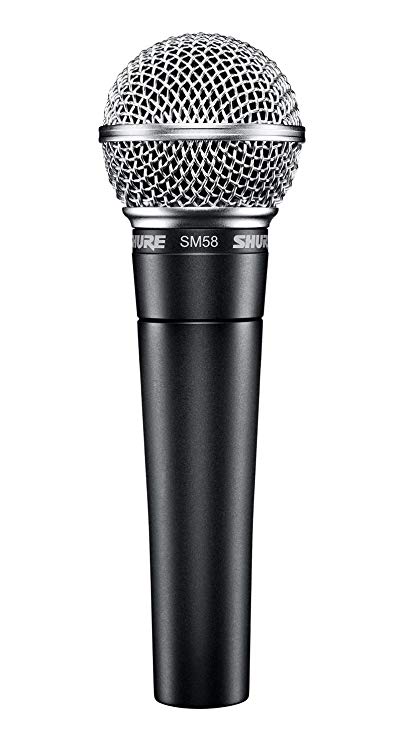
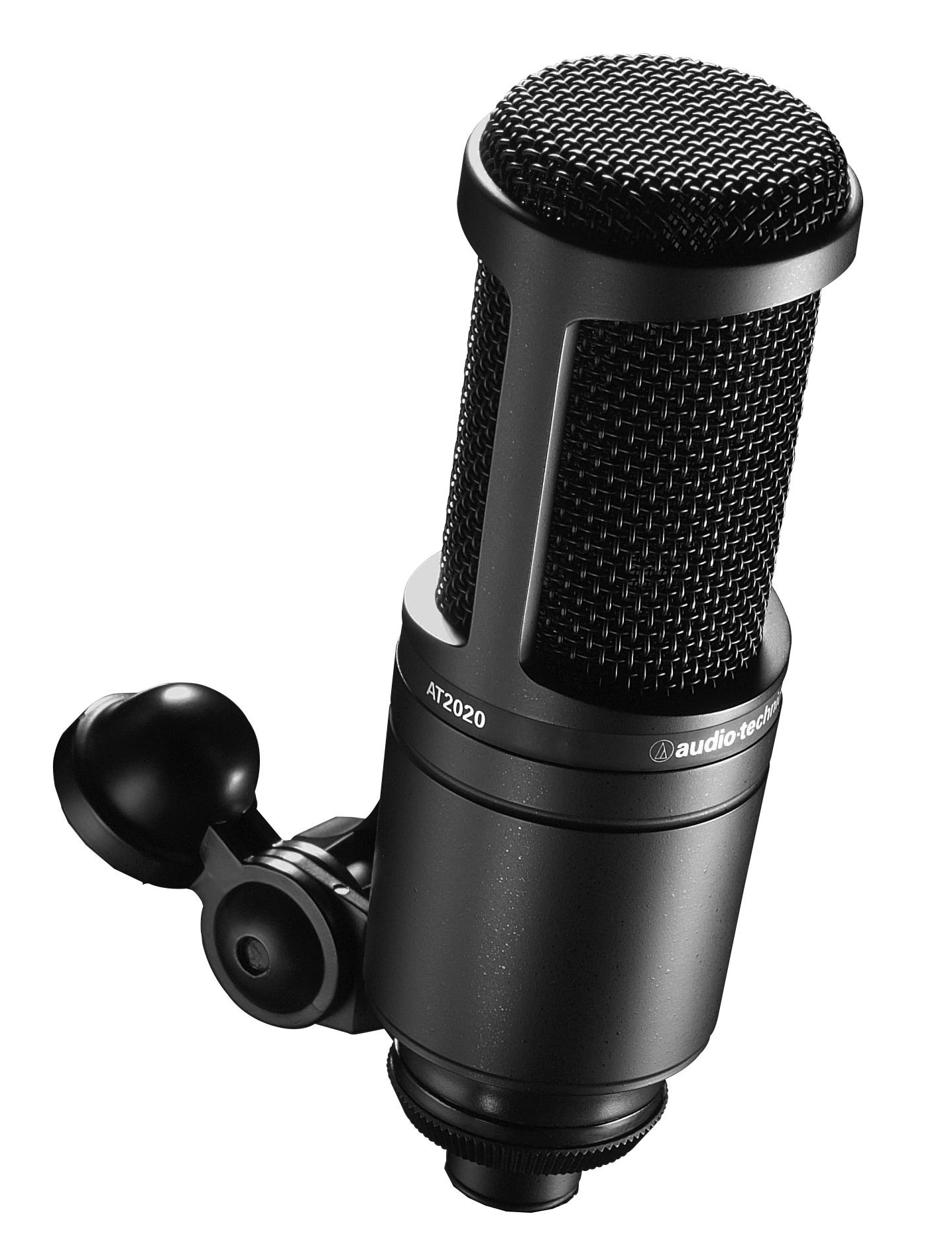
Shure SM58 is a dynamic microphone which means that is more robust and doesn’t require phantom power, and Audio Technica AT2020 is a condenser microphone which means it is more sensitive and requires phantom power.
(Neumann did a great job explaining the difference between the dynamic and condenser mics, and what the phantom power is. If you prefer to watch a video, here’s a good one https://www.youtube.com/watch?v=2edewYkE_f0.)
If you have a microphone, you might also have a microphone cable around. If you don’t you should get an XLR cable. Having a mic stand is also a good idea.
Audio Interface
Arguably the most important piece of equipment is audio interface. In tech language, interface means that it allows interaction/communication between different devices and/or equipment. Audio interfaces generally allow you to plug in microphones, guitars, headphones, speakers, and connect all of that to a computer or iPad.
A great audio interface with a friendly price tag is PreSonus AudioBox iTwo. This interface has two inputs which means that you can record two voices at the same time or record voice and guitar for example. More importantly this interface can work iPads.
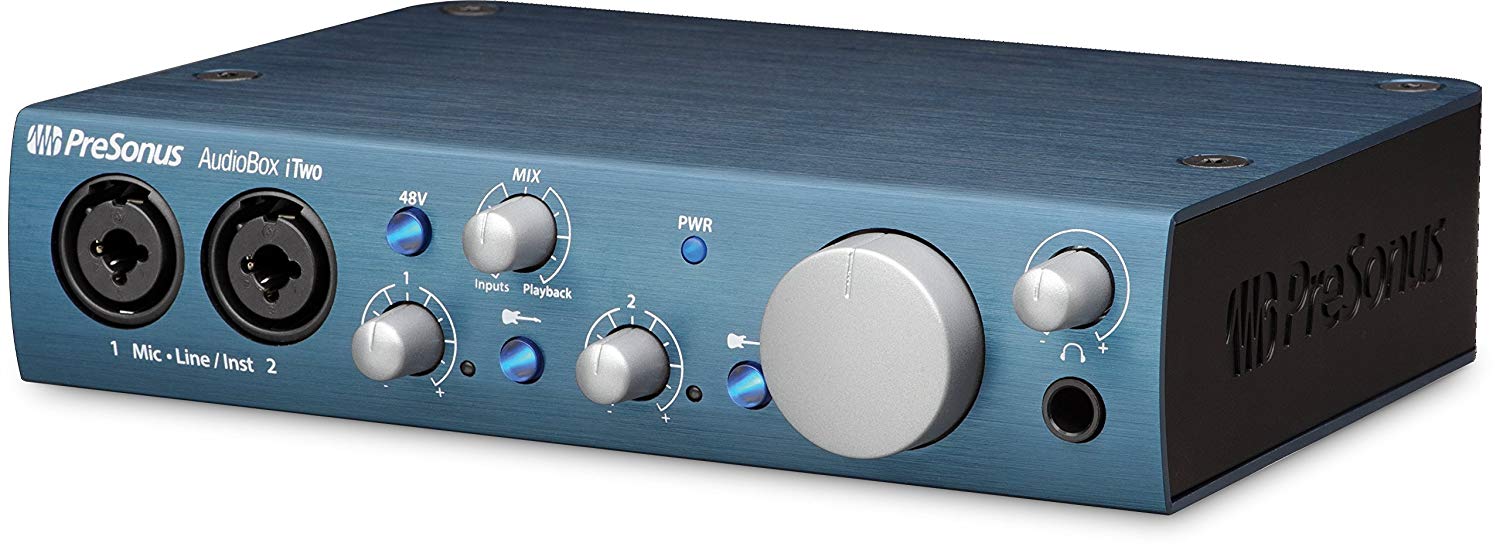
There are of course many other options but you should make sure that the interface can work with the iOS devices (iPads and iPhones) as not all of them do.
Headphones
It is not necessary but it’s good to have a pair of good headphones, especially if you record with a backing track. Using headphones will make sure that you can hear the track but the track is not going into the microphone. Basically, options for headphones are limitless but you should make sure that you can plug them into your interface headphone output – usually a 1 / 4” (guitar cable size).
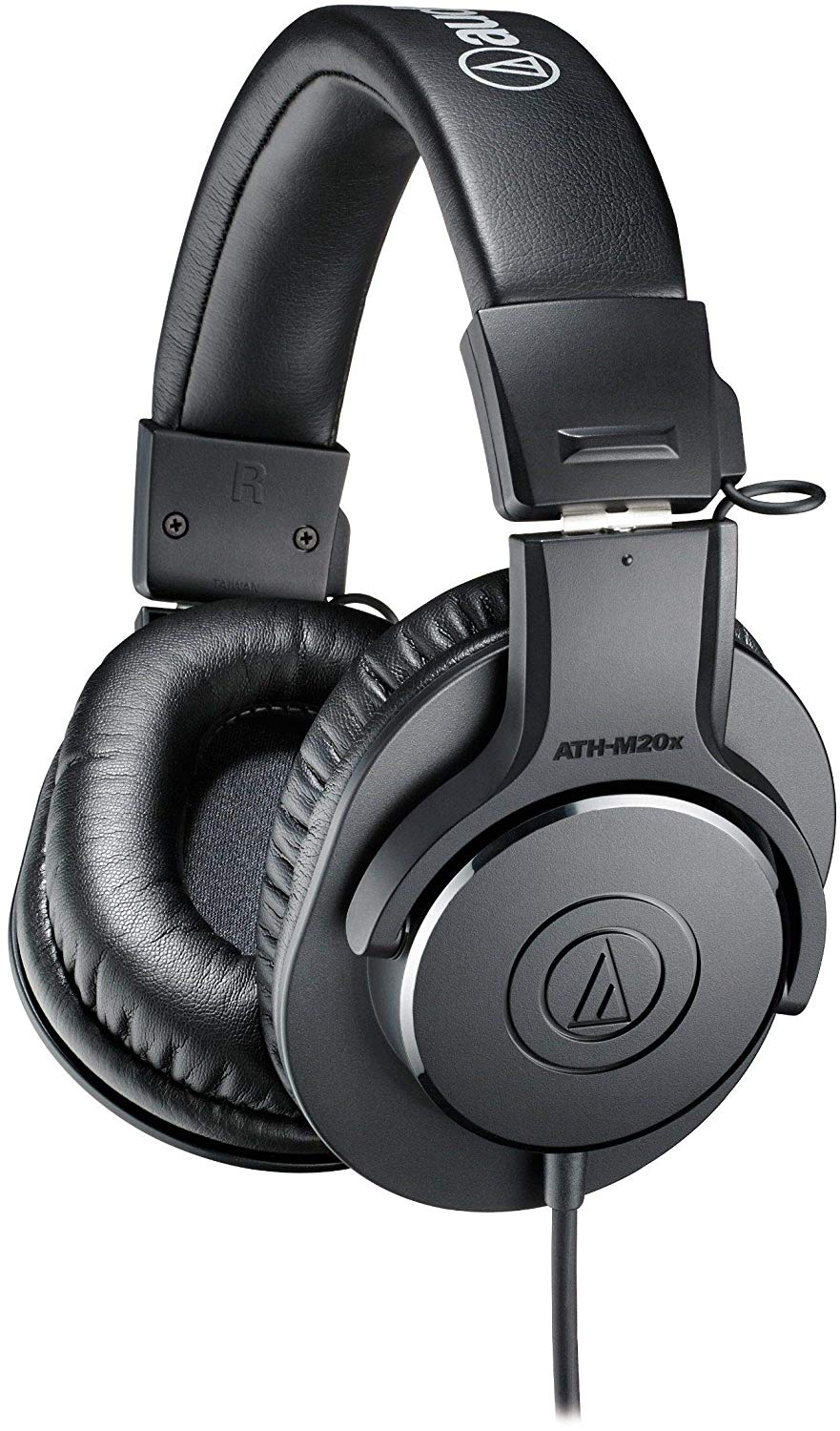
Audio Technica ATH-M20x is a pair on the affordable side ($50) of the great line of professional monitoring headphones by Audio Technica (more expensive models are more than $150).
Speaker
Sometimes you just want to hear back what you recorded and iPad’s built-in speaker is often not loud enough, especially in the group setting. Having a bluetooth speaker is an easy fix to this issue. You can find great speakers starting at about $20. I would say that the only catch is to make sure that the speaker has an AUX input because a wired connection can sometimes be much easier and more reliable than bluetooth.
 techInMusicTherapy